




What AI Can Actually Do for Steel Detailers Right Now (Not the Hype Version)
What AI Can Actually Do for Steel Detailers Right Now (Not the Hype Version)
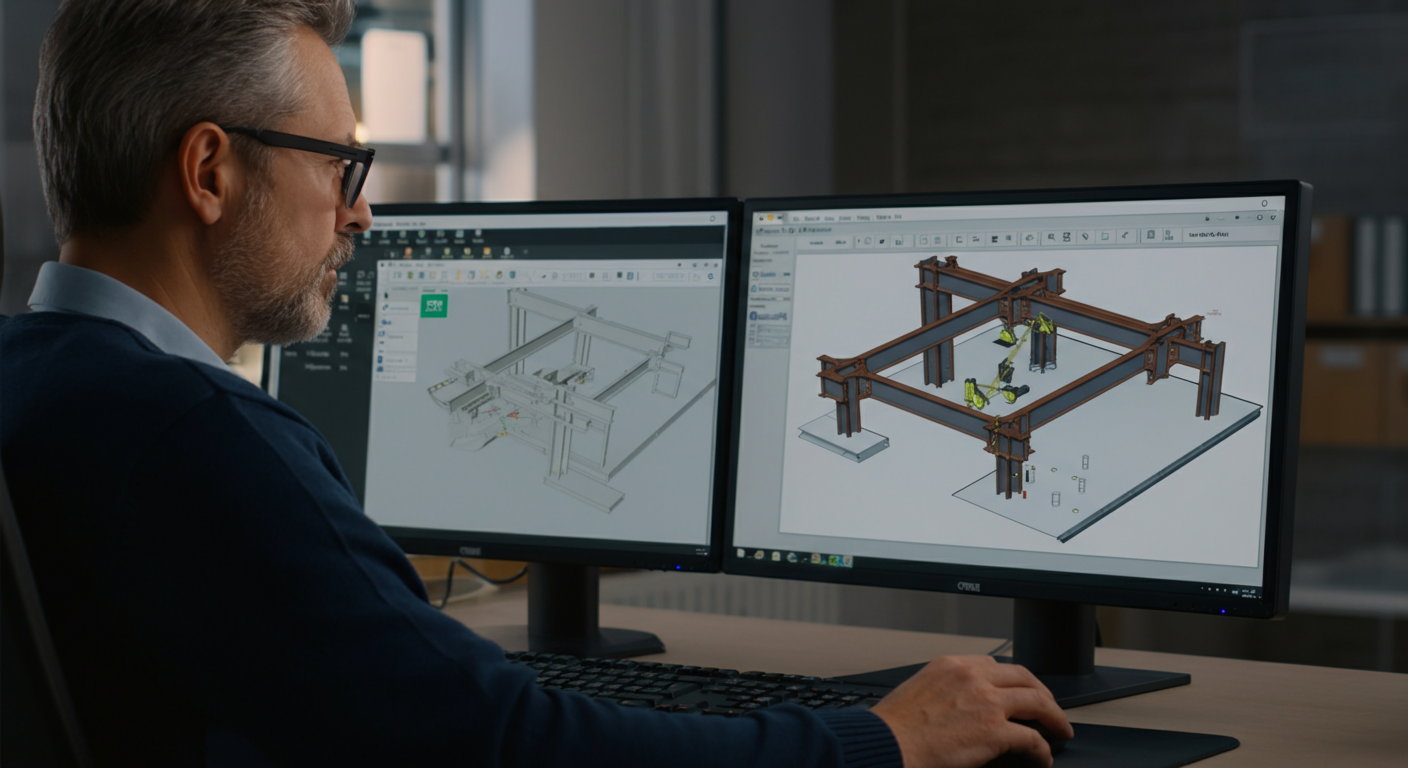
The AI hype cycle in construction is approximately 18 months ahead of anything that will actually change your workflow. That's not a reason to ignore it — it's a reason to be specific about what's real. In steel detailing specifically, AI is doing useful work in a narrow set of tasks right now: parsing specification documents, drafting and editing RFIs, extracting data from structural PDFs, flagging inconsistencies in drawing packages. Those aren't glamorous applications, but they're real productivity gains on tasks that currently eat detailer time without requiring detailer judgment. What AI is not doing in steel detailing right now: designing connections, generating production-ready models from engineer drawings, or replacing the technical decisions that require code knowledge and project context. This post is our attempt to give you an honest accounting of what's actually usable today — based on what we've tested, not what a software vendor's demo showed.
Why "AI in Construction" Articles Are Mostly Useless
Most AI in construction coverage is written by people who have never reviewed a connection schedule or submitted an IFC package. It conflates what AI can theoretically do with what it does on a working project today. The result is a category of articles that describe 2027 roadmaps as though they're available in this quarter's software release.
This is a ground-level assessment from a detailing firm that has actually put these tools into workflows on live projects. Where a tool helped, we'll say so and say why. Where a tool fell short against its marketing, we'll say that too. The goal is to give fabricators and detailers a realistic picture they can use when deciding where to spend evaluation time.
Defining "AI" in This Context
The term gets used loosely enough to be meaningless, so let's be specific. When we say AI in steel detailing, we're talking about three distinct categories:
Large Language Models (LLMs) — Tools like GPT-4, Claude, and similar models that process and generate text. These are most useful for document work: reading specs, drafting written communications, summarizing long RFI chains.
Computer Vision Models — ML systems trained to interpret visual inputs. In a detailing context, this means processing PDFs, recognizing symbols, extracting dimensions from scanned drawings, or comparing two versions of a drawing to flag changes.
ML-Based Process Automation — Narrower automation tools embedded in software platforms (Tekla, Revit, SDS/2) that use pattern recognition to suggest connections, auto-populate parameters, or flag modeling errors. These aren't always marketed as "AI" but they fit the category.
These three types have very different maturity levels and very different use cases. Treating them as one thing leads to confused expectations.
What AI Is Actually Doing in Detailing Workflows Today
Document Parsing and Specification Review
This is the most immediately useful AI application in steel detailing right now. A structural specification for a commercial project — Division 05 plus referenced standards — can run 40 to 80 pages. An LLM can ingest that document and return a structured summary of governing standards, specified materials, connection pre-qualification requirements, and submittal requirements in a few minutes. That same task done manually takes a senior detailer 45 minutes to an hour.
The output still requires human review. The model won't always catch cross-references buried in supplementary conditions, and it has no way to flag conflicts between what the spec says and what local code adoption requires. But as a first-pass extraction tool that surfaces the information a detailer actually needs to read, it's genuinely useful.
RFI Drafting and Editing
Writing clear RFIs takes time — not detailing time, but writing time. LLMs are good at turning a rough technical note ("EOR shows W18x97 framing into HSS column web at grid C4, no connection detail provided, what's the design intent?") into a professionally formatted, unambiguous written RFI. On a complex project with 30 or 40 RFIs, that's real hours recovered.
We've also used LLMs to review drafted RFIs for clarity before submission — essentially as a technical editor that checks whether the question is actually answerable from what's been provided.
Drawing Package Inconsistency Flagging
Computer vision tools can compare drawing revisions, flag delta markers that don't align with actual geometric changes, and identify missing callouts. On large packages with 200+ sheets, catching those inconsistencies before they become fabrication floor problems has measurable value.
Computer Vision: What's Working and What Isn't
Symbol extraction from scanned structural PDFs has improved significantly. Tools can now reliably identify weld symbols, bolt callouts, and section marks on reasonably clean drawings. Where it breaks down: heavily annotated sheets, non-standard symbol libraries, and anything scanned at less than 300 DPI.
Drawing-to-model workflows — where computer vision interprets a structural PDF and begins populating a Tekla or SDS/2 model — are the most-hyped application and the least production-ready. We've tested two tools in this category. Both handled simple, repetitive framing conditions with acceptable accuracy on clean EOR drawings. Both failed on anything involving moment frames, irregular geometry, or connection conditions that required engineering judgment to interpret. The error rate on complex projects was high enough that the review burden offset the modeling time saved.
That's not a permanent limitation. It's where these tools are today.
What AI Cannot Do in Steel Detailing Right Now
This is important to state clearly because the vendor demos don't.
AI cannot design connections. AISC 360 Chapter J, RCSC bolt requirements, AWS D1.1 prequalification, seismic SDC detailing requirements — these require code-based judgment applied to specific project conditions. No current LLM or CV tool can reliably design a shear tab, a moment end plate, or a braced frame gusset. Tools that suggest connection parameters are working from pattern matching on historical data, not from engineering analysis. Using that output without verification by someone who understands the underlying code is a liability problem.
AI cannot generate production-ready models from scratch. The workflow where a detailer hands a set of engineer drawings to an AI system and receives a complete, submittal-ready Tekla model does not exist in production-capable form for complex commercial and institutional work. Period.
AI cannot replace project context. The judgment calls that drive detailing quality — how to handle a field condition that deviates from the design, how to sequence a submittal package for a fabricator's shop schedule, whether an RFI is worth asking or should be resolved with a conservative detailing assumption — these require project knowledge, fabricator relationship knowledge, and code familiarity that no current AI system has.
The Right Productivity Framing
AI as a steel detailing tool is most useful when you think of it as a time-saver on low-value tasks, not a replacement for detailing expertise. The value proposition is: what tasks currently consume detailer hours that don't require detailer judgment? Document review, written communication drafting, basic inconsistency flagging — those are the targets. Freeing up senior detailer time from those tasks and redirecting it toward connection review, model QC, and RFI resolution is where the real project-level gain comes from.
Shops that are chasing AI as a headcount reduction tool are misreading the current capability set. Shops that use it to make existing detailers more productive on the technical work that actually matters — that's the realistic near-term value case.
Tools We've Tested: Honest Results
We won't name every tool we've evaluated, but the categories:
General-purpose LLMs (GPT-4, Claude) for document work: Consistently useful for spec parsing and RFI drafting. Requires a detailer who knows what to ask and how to verify output. Not a turnkey solution.
CV-based drawing comparison tools: Useful on clean packages with consistent drafting standards. Less useful on legacy drawings or packages with non-standard title blocks and callout conventions.
Tekla's built-in automation and component libraries: Not "AI" in the marketing sense, but the most production-ready ML-adjacent tooling currently available for steel detailing. Mature, well-documented, and integrated with the workflow that actually produces IFC packages.
Startup tools targeting "drawing-to-model" workflows: Interesting demos. Not production-ready for complex structural work. Worth watching.
What to Watch in the Next 12–18 Months
The near-term development worth tracking: multimodal models (handling PDFs, drawings, and text simultaneously) getting better at structured extraction tasks; integration of LLMs directly into Tekla and SDS/2 workflows via API; and computer vision accuracy improvements on complex structural PDFs. If those converge, the document-heavy early phases of a project — spec intake, drawing review, RFI generation — could be substantially faster within 18 months. Connection design automation and model generation from scratch remain further out than the current marketing suggests.
The firms that will benefit first are the ones building the internal knowledge now: understanding what these tools can and can't do, developing verification workflows that don't create new liability exposure, and staying specific about where AI time savings actually materialize on real projects.
NRSteel works exclusively with steel fabricators on commercial and institutional structural projects across the Southeast and nationwide. If you're evaluating detailing partners who stay current on tools and workflows without substituting software demos for technical judgment, get in touch to talk through your next project scope.