




Navisworks Coordination for Steel Fabricators
Navisworks Coordination for Steel Fabricators
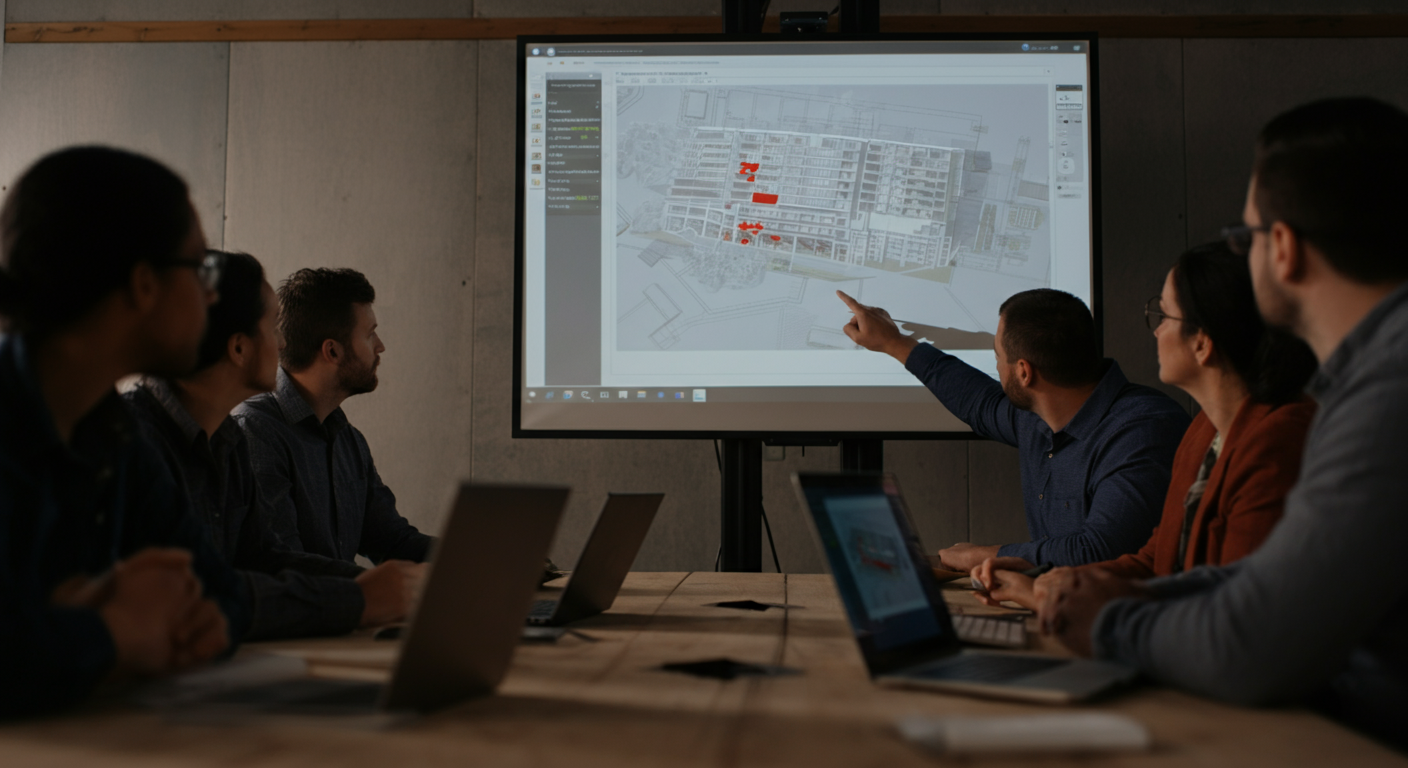
The first time you walk into a Navisworks coordination meeting without preparation, it shows. The VDC manager is pulling up clash reports, the mechanical contractor is flagging fifteen conflicts with your beams, and you're sitting there trying to figure out which ones are real problems and which ones are model noise. Clash detection has moved from optional to standard on most mid-to-large commercial projects, and steel fabricators are increasingly expected to show up to these meetings with a model that's clean, correctly positioned, and understood by whoever is representing the shop. This post is the preparation that nobody gives you before that first meeting. We'll cover what Navisworks actually does, how the coordination process is structured, what your steel model needs to look like before it goes in, and how to read the clash reports you'll be handed so you can respond with something useful instead of stalling for a week.
What Navisworks Actually Does — and What It Doesn't
Navisworks is a viewer and clash detection engine. It aggregates models from multiple trades — structural steel, MEP, architectural, civil — into a single federated model and runs interference checks between them. That's the whole job.
It does not model anything. Nobody is designing or revising in Navisworks. When the VDC manager opens the federated model and runs a clash test between your steel and the mechanical contractor's ductwork, Navisworks is just comparing geometry and flagging intersections. The fix happens in the originating software — Tekla, Revit, SDS/2, AutoCAD MEP — and then the updated model gets re-published and re-imported.
Understanding this distinction matters because it sets expectations for what the meeting produces. The coordination meeting doesn't fix anything. It identifies what needs to be fixed, assigns ownership, and sets a deadline for the updated model. Fixes happen offline, between meetings, in each trade's authoring software. Your detailer works in Tekla. Your mechanical contractor works in whatever they use. Navisworks just shows you where the two models disagree.
The Cast of Characters in a Coordination Meeting
VDC Manager — Usually employed by the GC. Runs the meeting, manages the federated model, publishes clash reports, and keeps everyone on schedule. They set the coordination protocol, define clash tolerances, and decide what gets escalated to the EOR.
Trade Coordinators — One representative per trade: structural steel, mechanical, electrical, plumbing, fire protection, sometimes architectural millwork or curtain wall. Each coordinator is expected to understand their own model well enough to answer questions in real time and commit to a resolution timeline.
Steel's Role — Structural steel is usually the fixed backbone of the coordination model. In most protocols, steel doesn't move. Ductwork routes around beams. Pipes slope around columns. Hangers get repositioned when they conflict with web stiffeners. Your job as the steel representative is to confirm which conflicts involve elements that genuinely cannot move, flag any steel that was modeled with incorrect geometry, and provide realistic timelines for revisions when steel actually does need to change — typically connection plates, embed locations, or secondary framing.
If you're a fabricator sending a shop employee to these meetings, that person needs to know enough about the steel model to speak to it with authority. Walking in without that knowledge slows every trade in the room.
Hard Clashes, Soft Clashes, and Clearance Clashes
Navisworks detects three categories of conflicts, and they require different responses.
Hard clashes are geometric intersections — two objects occupy the same space. A W18x35 beam penetrating a duct. An embed plate inside a rebar cage. These are unambiguous and require resolution before fabrication.
Soft clashes (also called contact clashes) flag objects that are touching but not penetrating. Depending on the tolerance settings, this might catch fireproofing clearance issues or bolted connections that technically share a face. Many soft clashes are model noise — objects that are correctly positioned in the field but whose geometric representations share a surface in the model. Your detailer needs to know which ones fall into that category so you're not chasing ghosts through three rounds of coordination.
Clearance clashes use a defined buffer zone around objects. Common example: a coordination protocol requiring 4 inches of clear space around ductwork for insulation, access, and future maintenance. A beam running 2 inches from a duct face won't show as a hard clash but will fail a clearance check. These are important because they catch problems that look fine in the model but create real-world headaches during installation or maintenance.
Understanding which type of clash you're looking at shapes your response. Hard clashes need a resolution. Soft clashes often need a conversation about whether they're real. Clearance clashes need a judgment call about whether the protocol tolerance is appropriate for the specific condition.
What Your Steel Model Needs to Look Like Before It Goes Into Navisworks
Model quality is where a lot of fabricators get burned in coordination. A Tekla model that's clean for IFC submittal may still create problems in Navisworks if it's missing correct object properties or was published without proper reference point alignment.
A few specifics:
Coordinate alignment — Your model needs to be in the correct coordinate system relative to the other trades. If your detailer exports from Tekla using the wrong shared coordinates, your steel will float somewhere off in space when the VDC manager aggregates the models. This is immediately visible and embarrassing. Confirm with your detailer that the Navisworks export aligns to the project base point used by the GC.
Level of detail — Connections, bolts, welds, and cope geometry need to be modeled accurately. A beam-to-column connection that's only modeled as two centerlines will generate false clash reports. A properly detailed connection with end plates, bolts, and column stiffeners lets the VDC manager run meaningful tests.
Object properties — Navisworks uses properties embedded in the model to filter and sort clashes. If your steel elements don't carry correct mark numbers, member types, and floor/grid references, the VDC manager can't run targeted clash tests or generate reports that map back to your shop drawings in any useful way.
Publish cadence — Find out how often the VDC manager expects updated models. Miss a publish window and you're running a coordination meeting against stale geometry.
How Clash Reports Work
The VDC manager will export a clash report — typically as an HTML file, an Excel spreadsheet, or a BCF file if the team is using BIM 360 or a similar platform. Each clash is assigned an ID number and includes the two objects in conflict, their properties, a screenshot of the intersection, and a status field.
Your job is to review every steel-involved clash, determine whether it's a real conflict or a model artifact, identify who owns the resolution, and respond with a status update by the deadline the VDC manager set. Typical status options: New, Active, Approved (acceptable as-is), Resolved (fix completed and model updated).
Do not go into a coordination meeting planning to review clashes in the room for the first time. The meeting is for coordinating resolutions, not discovering problems. Your detailer should be reviewing the report with you beforehand so you walk in knowing your position on each item.
Common Steel Clash Scenarios
Beam-to-duct — The most common. Usually resolved by raising the duct, adding a beam penetration (if the EOR approves), or revising the beam routing if it's secondary framing. Know which beams are primary framing before you're asked.
Embed-to-rebar — Cast-in embeds conflicting with reinforcing in concrete elements. These need early coordination with the concrete subcontractor. Once the slab is poured, your options narrow considerably.
Stair-to-MEP — Pan stairs and stair stringers running through mechanical or plumbing rough-in zones. Common in mechanical rooms and interstitial floors. Resolve these early; stairs tend to get fabricated and delivered before MEP rough-in.
Handrail-to-equipment — Guardrail and handrail geometry conflicting with equipment clearance envelopes. Often a late-stage discovery when equipment submittals are finalized. Build buffer into your handrail coordination timeline.
Timeline and Resolution Workflow
Resolution ownership follows a simple principle: whoever needs to move owns the revision. Since steel is typically fixed, most resolutions land on MEP trades. When steel does need to change, the workflow is: VDC manager documents the required change, your detailer revises the Tekla model, you publish an updated Navisworks NWC file by the next coordination cycle, and the VDC manager verifies the clash is resolved in the federated model.
Keep a log of every clash that was marked Approved — acceptable as-is. Those become documentation if a field conflict arises later.
Questions to Ask Your Detailer Before You Walk In
Before your first coordination meeting, get clear answers to these:
- Is the model published to the correct project coordinate system?
- What clash tolerance is the VDC manager using, and have we reviewed our model against it?
- Which elements are modeled with full connection detail vs. simplified geometry?
- What's the turnaround time for a model revision if we get a clash assigned to us?
- Can you attend the coordination meeting, or at least be available by phone during it?
That last one matters more than fabricators usually realize. A detailer who can answer a geometry question in real time keeps a clash from sitting open for a week while everyone waits for an email response.
NRSteel works exclusively with steel fabricators on commercial and institutional structural projects. If you're heading into your first BIM coordination meeting and want a detailer who can prepare your model and support the process from the inside, get in touch to talk through your project scope.