




Digital Fabrication Files: DSTV, NC, and CNC — What Every Fabricator Should Know
Digital Fabrication Files: DSTV, NC, and CNC — What Every Fabricator Should Know
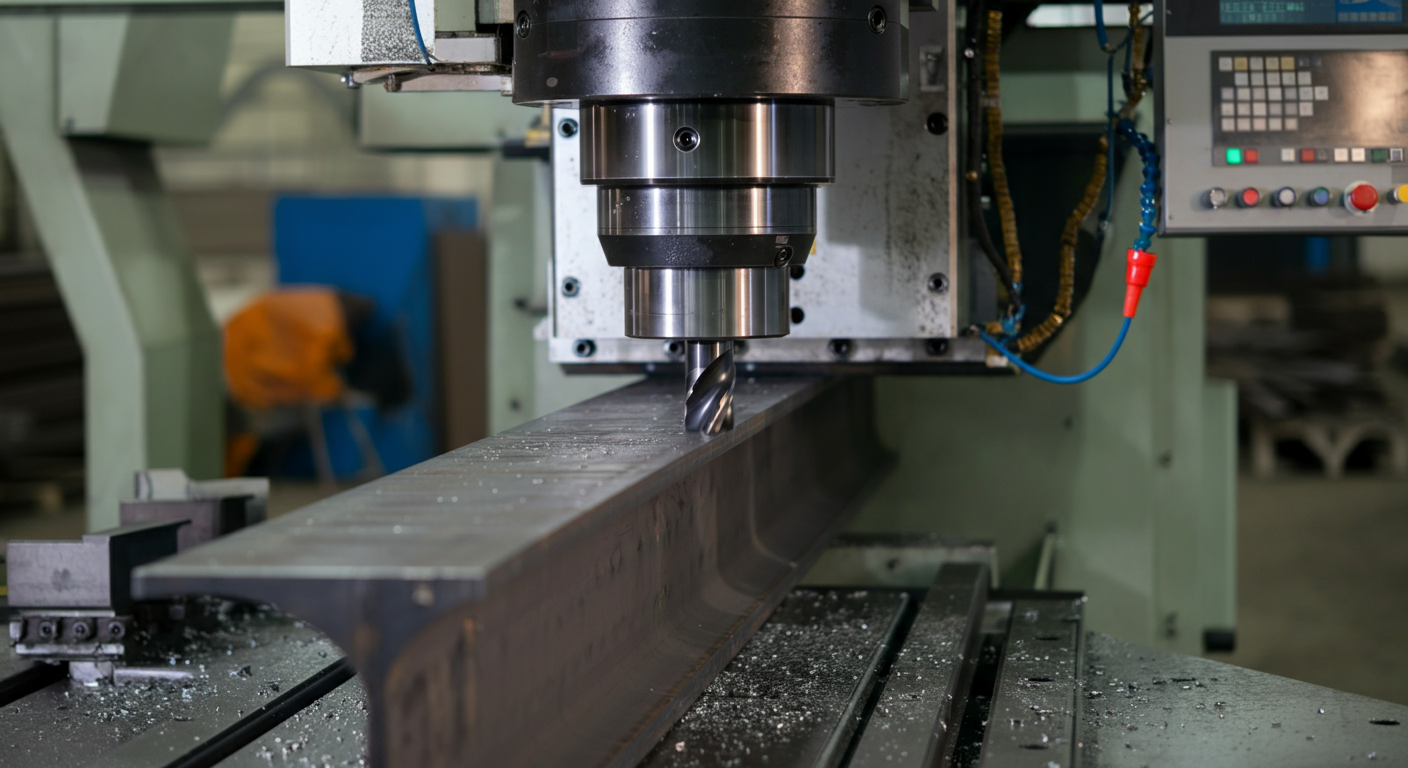
If you're running a beam line, a drill line, or a CNC coping machine, your detailer should be producing more than shop drawings. They should be producing digital fabrication files that drive that equipment directly — and if they're not, you're leaving efficiency on the shop floor. DSTV is the file format that connects your detailing model to your CNC machines. It carries the geometry, hole patterns, cope dimensions, and material data your equipment needs to cut and drill parts without manual re-entry. But a lot of fabricators accept DSTV files from their detailer without really understanding what's in them or how to verify that they're correct before a part runs. That creates a specific failure mode: errors that live in the digital file, invisible on paper, that only surface when a bad part comes off the machine. This post is a working explanation of what DSTV and NC files are, what should be in them, and what your detailer needs from you to produce output that actually runs clean on your equipment.
The Shift from Paper-to-Shop to Model-to-Machine
Structural steel fabrication has been running on paper shop drawings for a long time — and good detailers have always worked to make those drawings clear, dimensioned, and accurate. But a shop drawing is still an intermediate document. A machinist reads it, interprets it, and programs the equipment. Every step in that chain is an opportunity for transcription error.
CNC-equipped shops are eliminating that chain. Beam lines from Peddinghaus, Voortman, and Ficep can read digital files directly. Drill lines process hole data without a human re-entering X-Y coordinates. Coping machines execute geometry that came straight out of the detailing model. When it works correctly, you get parts that match the model without the manual re-entry step. When it doesn't work, the error is upstream and invisible — and you don't find it until the part is cut wrong.
Fabricators investing in this equipment need detailing partners who understand the machine side of the workflow, not just the submittal side. The number of CNC-equipped shops is growing every year, and that gap between what the machine needs and what some detailers deliver is showing up more often. It starts with DSTV.
What DSTV Format Is and Why It Became the Standard
DSTV stands for Deutscher Stahlbau-Verband, the German Steel Construction Association. The format was developed in Europe to provide a machine-readable, vendor-neutral standard for transferring NC data between structural steel detailing software and CNC fabrication equipment. It's a plain-text format, which matters — it's human-readable if you know what you're looking at, and it doesn't require proprietary software to inspect.
DSTV became the de facto standard for structural steel NC data because it's universally supported. Tekla Structures, SDS/2, Advance Steel, and virtually every major detailing platform outputs DSTV. Peddinghaus, Voortman, Ficep, Haeusler, and most other machine manufacturers read it natively. When someone in the industry refers to "NC files" in the context of structural steel, they're usually talking about DSTV.
What's Actually Inside a DSTV File
A DSTV file is organized into sections. Each section carries a specific category of data about a single part. Understanding the structure helps you verify the output before it runs.
ST (Steel member header): Part mark, material grade, profile designation, length, and surface treatment code. If your detailer has the wrong material grade mapped — say, A36 where you need A572 Gr. 50 — it shows up here.
AK (Contour geometry): The outer boundary of the part. For a cope, this is where the cope dimensions live. If the cope depth or length is wrong, the error is in this section.
BO (Bolt holes): The full hole data set — X position, Y position, diameter, and drilling direction for every hole in the part. This is the section that drives your drill line. If hole spacing, edge distance, or diameter is wrong, it's here.
PU (Punching data): Similar to BO but specific to punching operations. Some machine configurations separate drilling and punching; the distinction matters for tooling setup.
SC (Scribing): Marking data for layout lines, piece marks, and weld symbols that some machines scribe directly onto the part.
The file is part-level, not assembly-level. Each member gets its own DSTV file. A 200-piece job produces 200 files. Your file management and machine upload process needs to handle that volume cleanly.
NC Files vs. DSTV Files: Terminology Overlap
These terms are used interchangeably in the field, and that causes confusion. Strictly speaking, "NC file" refers to numerical control data — the instructions that drive CNC equipment. DSTV is a specific file format for carrying that data in the structural steel context.
Some machine manufacturers have proprietary NC formats. Voortman equipment, for example, may also accept its own native format alongside DSTV. Older Peddinghaus controls sometimes require a specific DSTV version. When your detailer asks "what format do you need," the answer isn't just "DSTV" — it's DSTV with the specific version and settings your machine controller expects. Know your machine's requirements before that conversation.
How Tekla Generates DSTV Output and What the Detailer Needs to Configure
Tekla Structures produces DSTV output through its NC/DSTV export tools. The output is model-driven — hole positions, cope geometry, and member lengths come directly from the 3D model, which is one of the core reasons model-based detailing matters for CNC shops. What's in the model is what goes into the file.
But the export settings aren't default-correct for every shop. The detailer needs to configure:
- Hole diameter offsets — Tekla can output bolt hole diameters at nominal, or apply a specified clearance. Your drill tooling determines what diameter to program. If your detailer is outputting 13/16" holes for 3/4" bolts but your machine is tooled for 7/8", you need to have that conversation before the first job runs.
- Material grade mapping — Tekla's material catalog needs to map to the grade codes your machine controller recognizes. This is a setup item, but it's critical for any operation where the machine adjusts parameters based on grade.
- Profile coordinate system — DSTV uses a defined coordinate origin for each profile type. W-shapes, HSS, channels, and angles each have a specific origin convention. A misconfigured coordinate system produces holes that are dimensionally correct but positioned wrong on the part.
- Cope output precision — Cope geometry needs to match the tolerance your machine can hold. Over-precise output on a machine with coarser tolerances causes control errors; under-precise output on a tight-tolerance machine produces loose fits.
Common DSTV Failure Modes
The failures that matter most are the ones that don't show up on a shop drawing check.
Missing or incorrect hole tolerances. The shop drawing shows a 13/16" hole. The DSTV file outputs 3/4" nominal because the export offset wasn't set. The machine drills undersized holes. This gets caught at fit-up, not before.
Incorrect material grade codes. If the DSTV header carries the wrong grade, machines that adjust feed rate or spindle speed by material will run incorrect parameters. The hole is the right size, but tool wear and cut quality suffer.
Cope geometry errors from connection cleanup. Complex connections — particularly at heavily coped beams or moment connections — sometimes produce DSTV cope geometry that reflects intermediate model states rather than the final connection. Always verify cope geometry on complex members before running.
Part length discrepancies. If a camber or sweep value is incorrectly applied in the model, the part length in the DSTV file is wrong. A length check before cutting is the catch.
What the Fabricator Needs to Give the Detailer
Clean DSTV output requires a setup conversation before the first job, not after the first bad part. Give your detailer:
- Machine manufacturer and model, plus the control software version
- Accepted DSTV version (most current equipment handles version 1.03; older controls may need 1.01)
- Hole diameter convention — nominal, nominal plus clearance, or specific diameter by bolt size
- Any tooling limitations that affect minimum edge distance or hole spacing
- Material grade codes as your machine controller expects them
This isn't a one-time handoff. When you add equipment or retool, update your detailer. The DSTV configuration that worked on your old beam line may not be correct for the new one.
Checking Your NC Output Before Running a Part
Before the first part of a new job runs, verify a representative sample of DSTV files against the shop drawings. Open the file in a DSTV viewer — most machine OEMs provide one, and several free viewers are available. Check:
- Part mark and member length against the shop drawing
- Hole count, diameter, and spacing on a pattern you can manually verify
- Cope dimensions on any coped members
- Material grade code in the ST header
This takes fifteen minutes on a few parts. It's the check that catches configuration errors before they become a run of bad material.
NRSteel produces DSTV output from Tekla Structures as a standard deliverable on CNC-capable shops — configured for your equipment, not just exported with default settings. If you're setting up a new detailing relationship and want to talk through the NC output setup for your shop, get in touch with NRSteel for a scope review.