




Can AI Read Structural Drawings? What We Tested and What Actually Worked
Can AI Read Structural Drawings? What We Tested and What Actually Worked
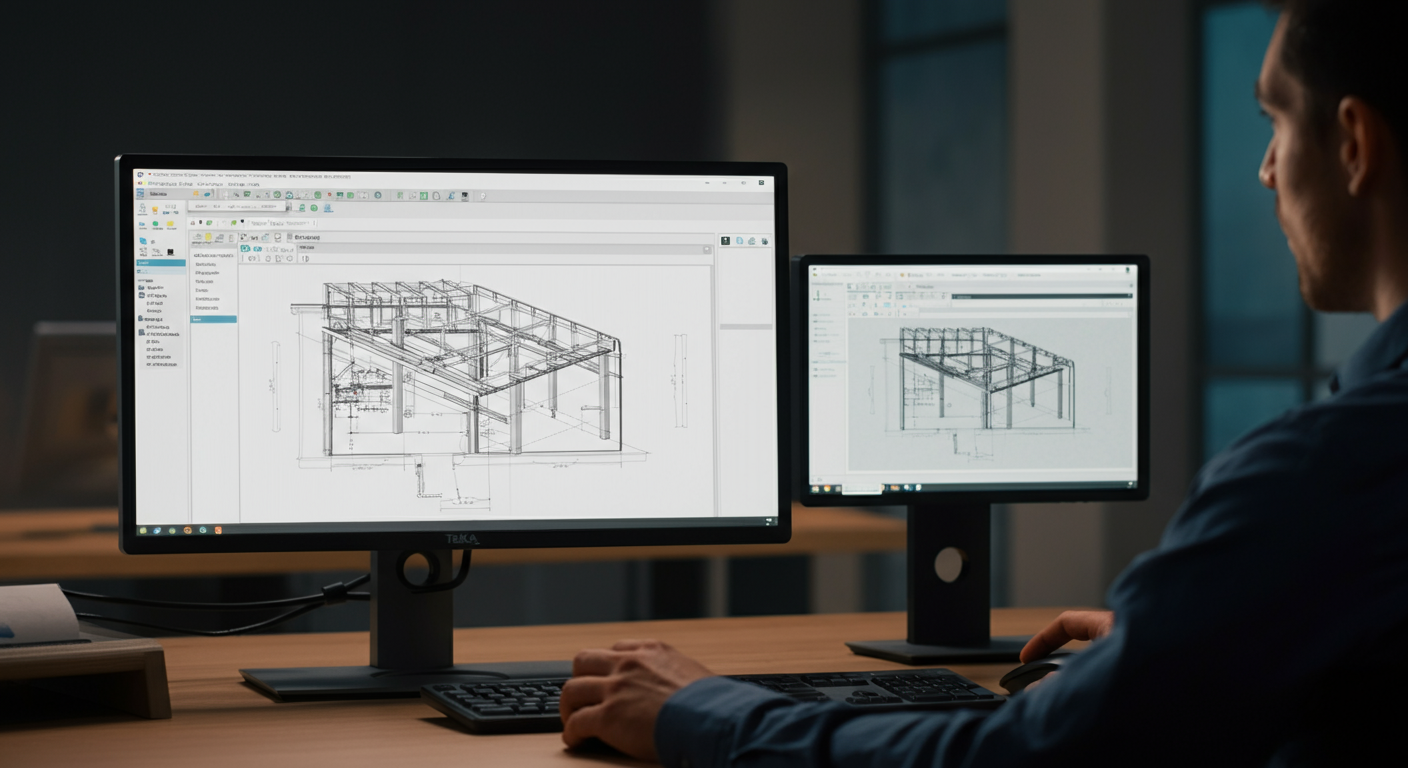
We spent time this year testing whether AI tools could actually extract useful information from structural steel drawings — not demo data, not clean formatted inputs, but real structural PDFs with dimensions, detail callouts, member schedules, and handwritten revision notes. The short answer is: partially, and only on specific tasks. The longer answer is more interesting, because where these tools work and where they fail tells you something specific about how structural drawings encode information versus how AI systems process it. Structural drawings are not documents in the way that AI systems are trained to understand documents. They're spatial data encoded in a visual format built on conventions that exist almost entirely in the heads of the people who produce and read them. The current generation of AI tools reflects how hard that problem actually is. Below is what we tested, what the results showed, and what that means for where this technology is going.
What "Reading a Drawing" Actually Requires
When an experienced detailer reads a structural drawing, they're doing several things simultaneously that don't look like reading at all.
Symbol recognition is the most obvious — interpreting weld symbols, section cut arrows, column grid labels, north arrows, match lines. But beneath that is spatial reasoning: understanding that a detail on sheet S-7 is referenced from a plan on S-2, that the break line in an elevation implies continuity, that a circled number links to a note column on the same sheet. And beneath that is context interpretation — knowing that a "TYP" notation on one connection applies to fourteen others that look similar but differ in bearing conditions, or that a dimension string is referencing centerline-to-centerline versus face-to-face.
None of that is text extraction. It's a layered interpretation process that relies on industry conventions that aren't written anywhere in the drawing itself. The EOR doesn't explain what a section cut arrow means. They assume you know. That assumption is load-bearing, and it's precisely where AI systems start to struggle.
The Test Setup
We ran tests using a set of real project drawings — commercial structural steel, institutional work, a mix of fabrication-ready IFC packages and earlier design-phase sets. Sheets included general framing plans, column schedules, typical connection details, and miscellaneous steel callout sheets. Some were clean Tekla-exported PDFs. Others were scanned paper drawings with revision clouds and field markups in the margins.
We tested against several tools: general-purpose large language models with vision capabilities fed sheet images, dedicated document AI platforms positioned for construction workflows, and a purpose-built computer vision tool marketed specifically for structural drawing parsing. We were trying to extract four categories of information: title block data, member schedules, dimension strings, and connection geometry.
What Worked
Title block extraction was the clearest win across every tool we tested. Project name, sheet number, revision date, engineer of record, drawing scale — these are text-heavy, consistently positioned, and visually distinct from the body of the drawing. Accuracy was high, and even handwritten revision dates on scanned sheets were read correctly more often than not. If your workflow involves logging drawing metadata at submittal intake, this is genuinely useful today.
General notes parsing performed similarly well. Numbered general notes in the corner of a structural plan are essentially a formatted text document sitting inside the drawing. LLMs with vision pulled these reliably and could answer basic questions about content — material specifications, coating requirements, weld inspection standards. The text is text. The AI handles text.
Schedule parsing — bolt schedules, anchor rod schedules, simple column schedules — worked reasonably well when the schedule was formatted as a clean grid. The tools understood tabular structure and could extract rows correctly in most cases. Accuracy dropped when columns merged, when the schedule continued across sheets, or when handwritten field additions were present in the cells.
What Partially Worked
Member mark extraction from framing plans was inconsistent. On clean Tekla output with crisp linework and clearly separated callout text, the tools pulled beam and column marks at usable accuracy rates — maybe 80–85% on a good sheet. On denser plans, or anywhere callout leaders crossed other linework, accuracy dropped sharply. The tools struggled to correctly associate a mark label with the correct member when the leader line was ambiguous. That's not an edge case. On a busy framing plan, that's a third of the sheet.
Dimension string reading had a similar pattern. Isolated dimension strings — a single span with clear extension lines and text — were read correctly most of the time. Stacked or chained dimensions, or dimension text rotated vertically, produced meaningful error rates. More importantly, the tools had no reliable way to distinguish centerline dimensions from face dimensions, or to flag that a dimension might be a reference dimension (REF) rather than a construction dimension. They returned numbers without the semantic layer that makes the numbers useful.
What Didn't Work
Connection geometry interpretation was effectively zero. You can show a current-generation vision AI a standard shear tab connection detail — a W-shape with a plate, bolt pattern, weld size callout — and it will describe what it sees in general terms. It will not tell you the plate thickness, the bolt gauge, the edge distance, or whether the weld meets AWS D1.1 prequalified joint requirements. It recognizes that there is a connection. It does not read the connection.
Detail cross-referencing failed entirely. Following a callout bubble from a plan to the corresponding detail sheet, verifying that the detail matches the condition implied by the plan — these require maintaining spatial context across multiple sheets simultaneously, which none of the tested tools handled. They process one image at a time. Structural drawings are a system.
Code note parsing — identifying whether a note referencing AISC 360-22 Chapter J, or an anchor rod requirement under ASCE 7-22, carries specific design implications — was beyond current capability. The tools could read the note text. They couldn't interpret what it required.
Why Structural Drawings Are a Hard Problem for AI
The root issue is representation. Structural drawings encode information in a format that combines text, geometry, spatial relationships, and implicit professional conventions into a single visual layer. A weld symbol means nothing without knowing the AWS D1.1 symbol convention. A "3/16" annotation next to a fillet line means something specific only if you understand it's a weld size callout, not a dimension. An SDC designation in a general note carries downstream implications for connection design that aren't spelled out anywhere else on the drawing.
AI systems trained on language are optimized for sequential text. Computer vision systems are optimized for image classification. Structural drawings require both simultaneously, plus a domain knowledge layer that isn't in the training data because it lives in the AISC Steel Construction Manual, the SJI catalog, shop practice, and years of project experience. That's a difficult combination to replicate, and the current tools reflect the gap.
Non-standard formatting compounds the problem. Every EOR has a slightly different drawing standard. Detail layouts, schedule formats, note conventions — none of it is standardized enough to train against reliably. What works on one engineer's drawing set fails on the next.
Where Computer Vision Is Making Real Progress
The most credible near-term progress isn't in reading connection details. It's in document management tasks where the AI is doing classification and comparison rather than interpretation.
Drawing classification — identifying sheet type from visual content, sorting submittals, flagging when an uploaded sheet doesn't match its labeled revision — is working well in purpose-built tools. The AI doesn't need to understand the connection. It needs to recognize that this is a connection detail sheet, not a framing plan.
Redline comparison and revision detection is an emerging area with real traction. Diffing two versions of the same sheet — flagging geometric changes, added notes, relocated callouts — is a pattern-matching problem more than an interpretation problem, and the tools are getting useful here. For fabricators managing revision tracking across large drawing packages, this is worth watching.
These are workflow efficiency tools, not engineering tools. That distinction matters.
What This Means for Detailers in the Next 1–3 Years
Expect AI tools to get genuinely useful for the administrative envelope of the drawing workflow: intake logging, revision tracking, submittal organization, searching across a large drawing package for a specific note or specification reference. These are real time savings on real project tasks.
Don't expect AI to read a connection detail accurately enough to trust for fabrication. The spatial reasoning problem is hard, the domain knowledge gap is large, and the stakes are high enough that error rates acceptable in other industries aren't acceptable here. A misread dimension or a missed weld callout has consequences on the shop floor and in the field.
The detailers and fabricators who benefit earliest will be the ones who use these tools for what they can do — document management, metadata extraction, revision flagging — while keeping interpretation where it belongs: with people who have read ten thousand structural drawings and know what they're looking at.
NRSteel works exclusively with fabricators on commercial and institutional structural steel projects across the Southeast and nationwide. If you're evaluating detailing partners for your next project or want to talk through how we manage drawing coordination on complex jobs, get in touch for a scope review.